


Protecting Your Digital Footprint
No matter how many safety measures your financial institution or other online platforms implement to guard your data, they cannot control your personal online usage or what information you make available on the internet. Ultimately, individuals are responsible for protecting their own identity online. Following safe digital strategies can help make it more difficult for someone to access your accounts, sensitive data, and financial information.
Secure Strategies
Keeping your identity protected online starts with safe computing practices:
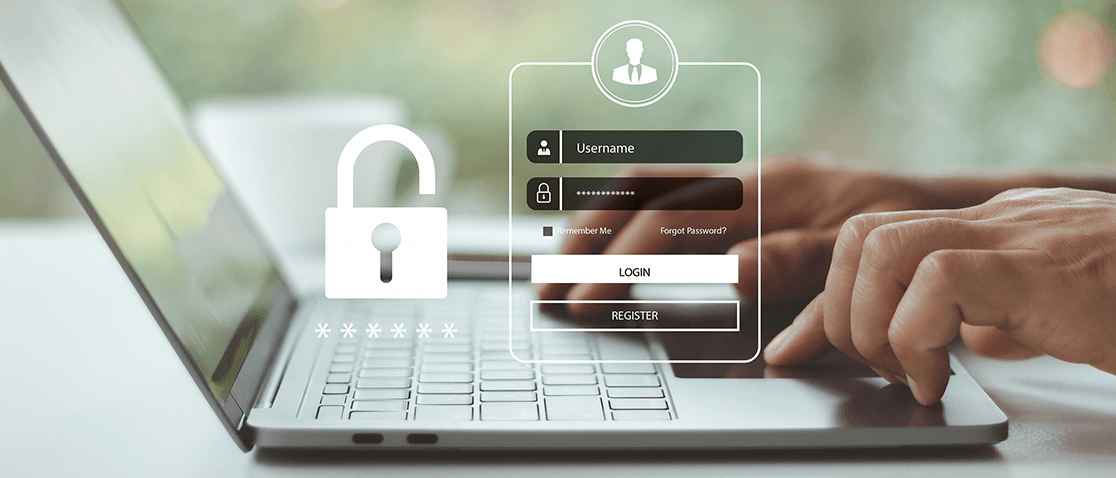
- Choose secure passwords that have at least eight characters, upper- and lower-case letters, numbers, and special characters
- Avoid easy to guess passwords (like a birthdate or family member's name)
- Keep your passwords confidential and use a password manager to make password storage simple and secure
- Use unique passwords for different online services
- Keep your phone or computer safe by requiring a password to unlock it
- Use only trusted computers and avoid public Wi-Fi or hotspots when accessing financial accounts
Another strategy to consider is using multifactor authentication when supported by the services you use. With multifactor authentication, not only is a password required to access online services, but another form of verification is required as well. In many instances, a numeric code or secure link will be sent via text or email to your phone. Some online services also support dedicated multifactor authentication devices or apps, which can offer even more security.
Think Before You Share
While strong passwords and multifactor authentication help protect your accounts, your digital footprint is also shaped by the information you share online. Social media platforms and other websites can reveal more about you than you may realize.
When posting online, consider these basic do's and don'ts:
Do:
- Review privacy settings on social media accounts regularly and limit who can view your posts and personal information.
- Be mindful of photos and videos that may reveal sensitive details, such as addresses, license plates, place of work, or financial details.
- Verify friend, connection, or follower requests before accepting them.
- Review your older posts and remove content that may expose private information.
Don't:
- Share sensitive information like Social Security numbers, bank account details, passwords, PINs, or answers to security questions.
- Post your full birthdate, address, phone number, or travel plans publicly.
- Announce when you’ll be traveling for an extended period.
- Click links or download files from unknown senders, even if they appear to come from someone you know.
- Overshare personal details that could be used to guess passwords or answer account recovery questions.
Cybercriminals often piece together information from multiple online sources to impersonate you, gain access to your accounts, or commit identity theft. Taking a moment to consider what information you're sharing and who can see it goes a long way toward protecting your digital footprint and personal security.
Audit Your Online Security
If you save account login details in your web browser, some browsers like Google Chrome and Apple Safari offer services that can help you identify weak or even compromised passwords. For example, when using Google Chrome, the Settings page includes options to check your online security, review all saved passwords, and more.
Websites like haveibeenpwned.com allow you to enter an email address or phone number to determine whether or not it's been found in a major data breach. If your information has been found in a breach, you'll be given a summary of the leaked data.
Backing Up Financial Statements
An additional concern about online financial services is long-term backup. In most cases, your historical financial information will not be instantly accessible forever, even when using online banking. Your transactions and statements are typically archived after a couple of years. In the event of a tax audit, you will likely need access to these historical records, so backing up each year’s documents in a secure location can help save you time and money down the line. Services like iCloud, Dropbox, Google Drive, and others can provide a great deal of security, but only if used with strong passwords and even multifactor authentication.
You can also investigate backup solutions on your own to find one that meets your needs.